

SURGE / 01
A menu that feels like yours
Organize categories, set modifiers and manage availability without rebuilding the whole menu.
Categories · Modifiers · Availability
Point of sale, with people in mind
A thoughtfully simple POS for the people behind great restaurants, cafes and shops. Bring your counter, team and daily operations together.
POS software available through the pilot.
Card processing and terminals coming soon.

Menu. Orders. Team. Together.
However you serve
Choose the tools that fit your day, whether it starts with a morning rush or ends with a full dining room.
The details, taken care of
Organize categories, set modifiers and manage availability without rebuilding the whole menu.
Keep tables, orders and kitchen tickets connected, with the context your team needs.
Bring inventory, purchasing and stock adjustments into the same daily workflow.
Set staff permissions and manage shifts, time tracking and responsibilities.
Use reports and exports to understand your sales, popular items and daily operations.
Move between locations with the right permissions and keep each business’s work organized.
A closer look at the everyday
Explore a few of the workflows that bring the day together.
Keep items, modifiers and table context together. Give the kitchen a clear ticket and your team a familiar place to work.
Illustrative product preview · Sample business and amounts · Final layouts may vary

Built for the team behind it all
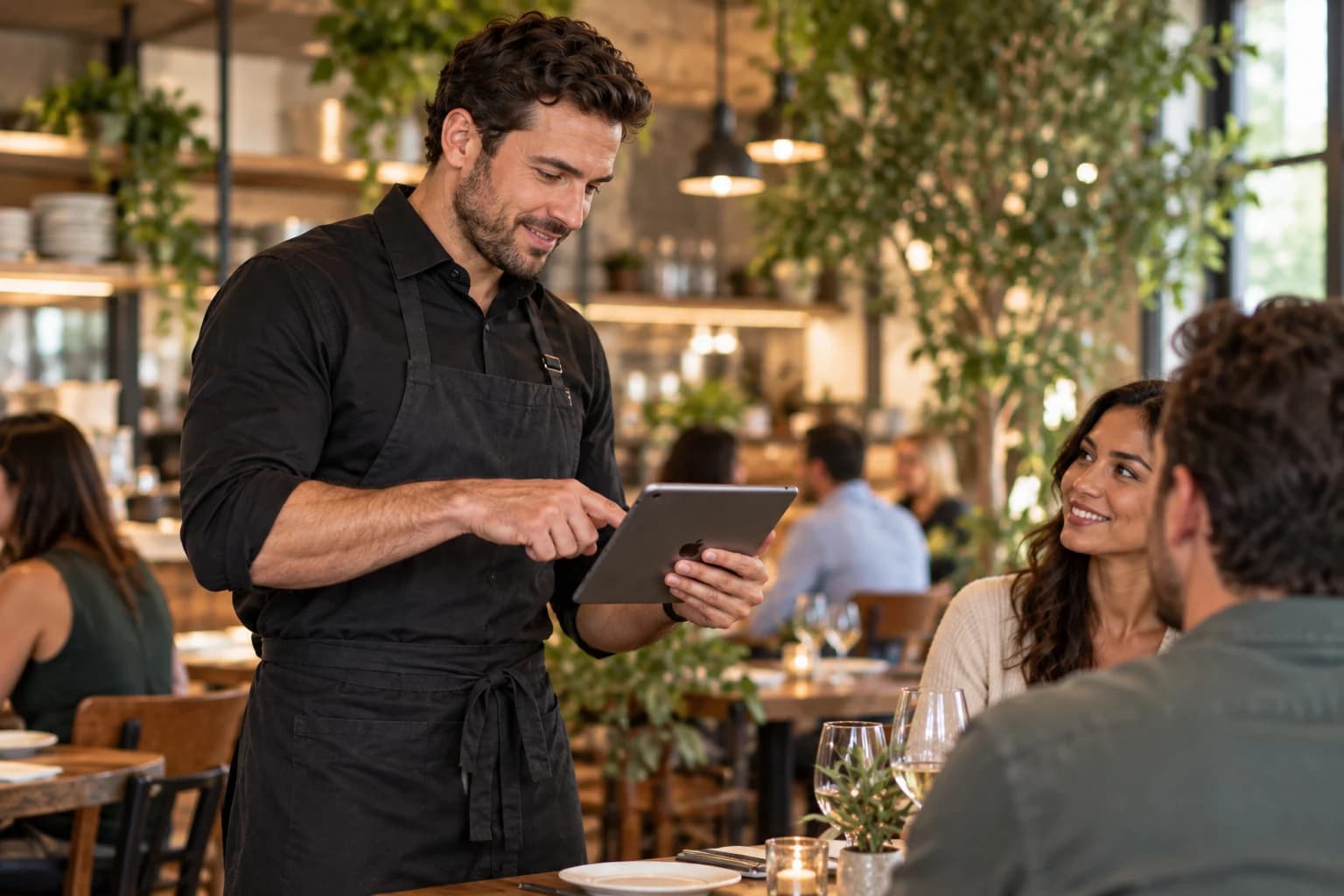
Give your team a clear place to work, from a compact tablet at the counter to a handheld device on the floor. We’ll talk through your devices and workflow before setup.
A considered start
You know your business. We’ll help you work through the setup, one practical step at a time.
Bring your menu or product list and show us how the day runs. We’ll use your everyday tasks to guide the conversation.
Your menu · Your service styleReview your tablets, printers, team roles and country requirements. Confirm what fits before buying hardware or changing systems.
Devices · Permissions · Local needsWalk through an order, a kitchen ticket and a daily report. Agree on the pilot scope and give your team room to get familiar.
Practice · Pilot · Feedback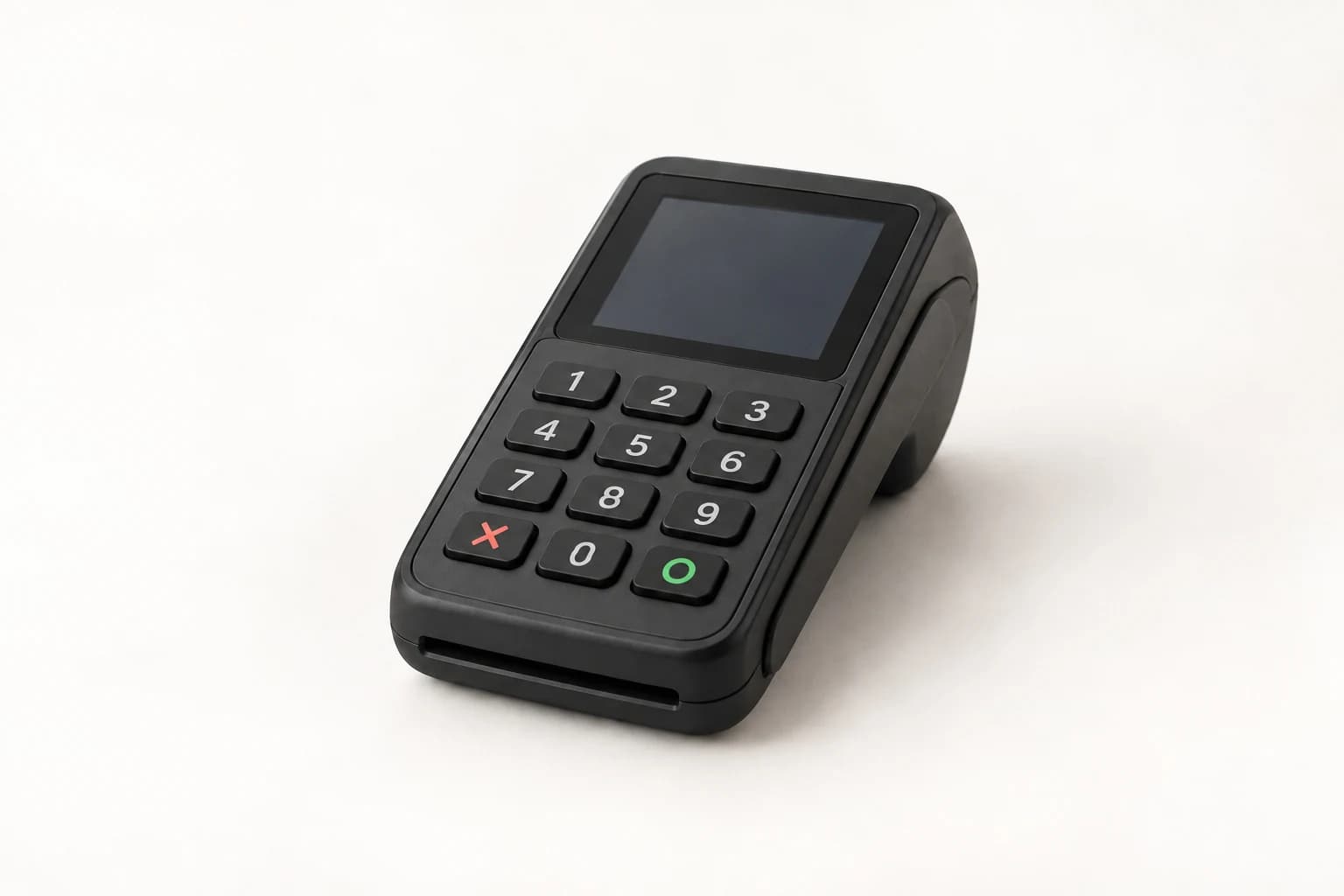
Card processing and a dedicated payment terminal are in development. Neither is available from Surge today.
Your existing processor stays separate during the POS pilot. We’ll share supported markets, hardware and pricing when they’re ready.
Understand payments and POSA few useful answers
A few things to know before you take the next step.
Yes. Apply for the free POS pilot and tell us about your business. We’ll confirm fit, device requirements and setup availability before you start.
No. Your existing processor remains separate during the pilot. Surge card processing and payment terminals are coming soon and are not available today.
Surge is designed around a flexible tablet setup. Tell us the device model, operating system and peripherals you have so we can confirm compatibility before you buy or change anything.
Surge serves an international audience. Share your country, time zone and business needs so we can confirm pilot and support availability for your setup.
A little more to explore
Think through counter tablets, handheld devices and the details around them.
A practical checklist for your menu, data, devices and team.
Walk through the work you do every day and explore the free pilot.
Made for the way you work
Tell us how your business runs. We’ll walk you through Surge and help you see whether the pilot is a good fit.